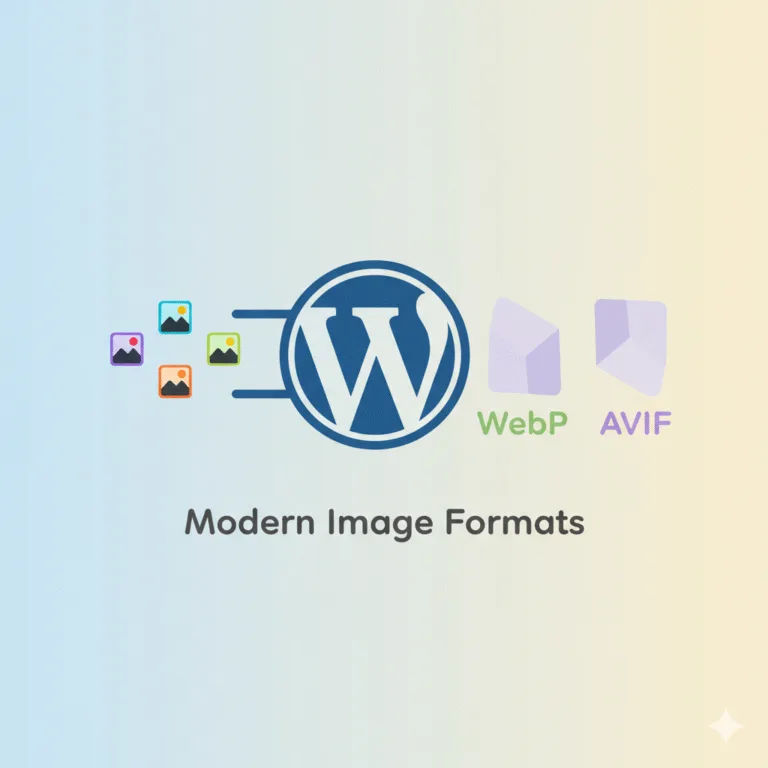
We’re excited to announce that Advanced Media Offloader 4.4.0 now supports EWWW Image Optimizer and Imagify — two of the most widely used image optimization plugins in WordPress.
If you rely on either plugin to generate WebP or AVIF versions of your images, those optimized files will now be automatically offloaded to your cloud storage right alongside your originals.
What This Means for You
Starting with version 4.4.0, Advanced Media Offloader detects when EWWW or Imagify is active and handles their optimized files natively:
- Automatic WebP & AVIF offloading — Optimized sidecar files created by EWWW and Imagify are picked up and uploaded to your cloud storage without any extra steps.
- Smart upload timing — The offloader waits for the optimization plugin to finish processing before uploading, ensuring every optimized file makes it to the cloud.
- Full
<picture>tag support — Cloud-hosted images are correctly delivered through<picture>tags, so visitors always receive the best format their browser supports. - Clean deletions — When you remove an attachment from WordPress, the associated optimized files are also deleted from cloud storage.
No new settings, no extra configuration. Just update and it works.
Our Recommended Plugin: Modern Image Formats
Advanced Media Offloader works great with EWWW and Imagify, but if you’re looking for the simplest and most reliable setup, we recommend Modern Image Formats.
Built by the official WordPress Performance Team, Modern Image Formats generates WebP and AVIF versions using WordPress core — which means it works with Advanced Media Offloader out of the box with zero additional integration needed.
We covered this combination in detail here: WordPress Image Optimization: How to Convert to WebP & AVIF.
Get the Update
This feature is available starting from version 4.4.0. If you’re running an older version, simply update from your WordPress dashboard under Plugins > Updates or download the latest version from the WordPress plugin directory.
Questions or feedback? Reach out through our contact page or the WordPress support forum — we’d love to hear from you.